Gameplay Designer Test
POCKET
MOCS
Deployable MOCs (My Own Creations) on the Skill Bar
- Build your own items out of bricks.
- Shrink them down to pocket size.
- Deploy them seamlessly in gameplay.
- Share them with friends or family.
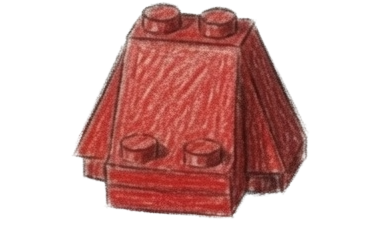
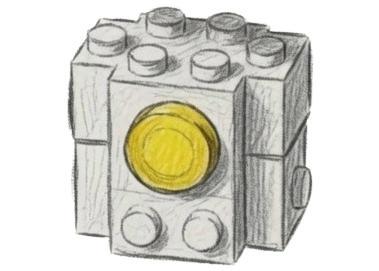
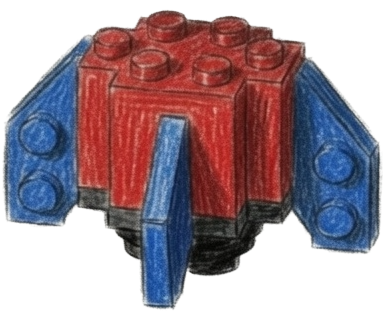
 Pocket MOCs
Anthony Ordon
Sheet 01 / 09
Pocket MOCs
Anthony Ordon
Sheet 01 / 09
1. Mechanic Design · Concept
Concept
MOC is an acronym for My Own Creation, referring to custom builds that LEGO enthusiasts design from scratch using existing sets. A MOC's function incorporates existing game bricks such as wheels, hinges, launchers, and switches.
By letting players “pocket” their creations, this build mechanic fulfills a “Master Builder” fantasy depicted in LEGO media where characters build rapidly to overcome real-time encounters and dilemmas.
Before You Begin · Assumptions
- A LEGO action-adventure game similar to LEGO Odyssey with an existing free-form brick building system (including snap guides, grid placement, and a light resource economy). Built in Unreal Engine.
- Items are produced at player deployed crafting stations and activated from a constrained skill bar.
- Multiplayer worlds are invite-only. Anyone in your world is someone you brought there, like a friend or a parent.
- Player character systems include stamina and standard status states (stunned, exhausted).
1. Mechanic Design · Core Loop
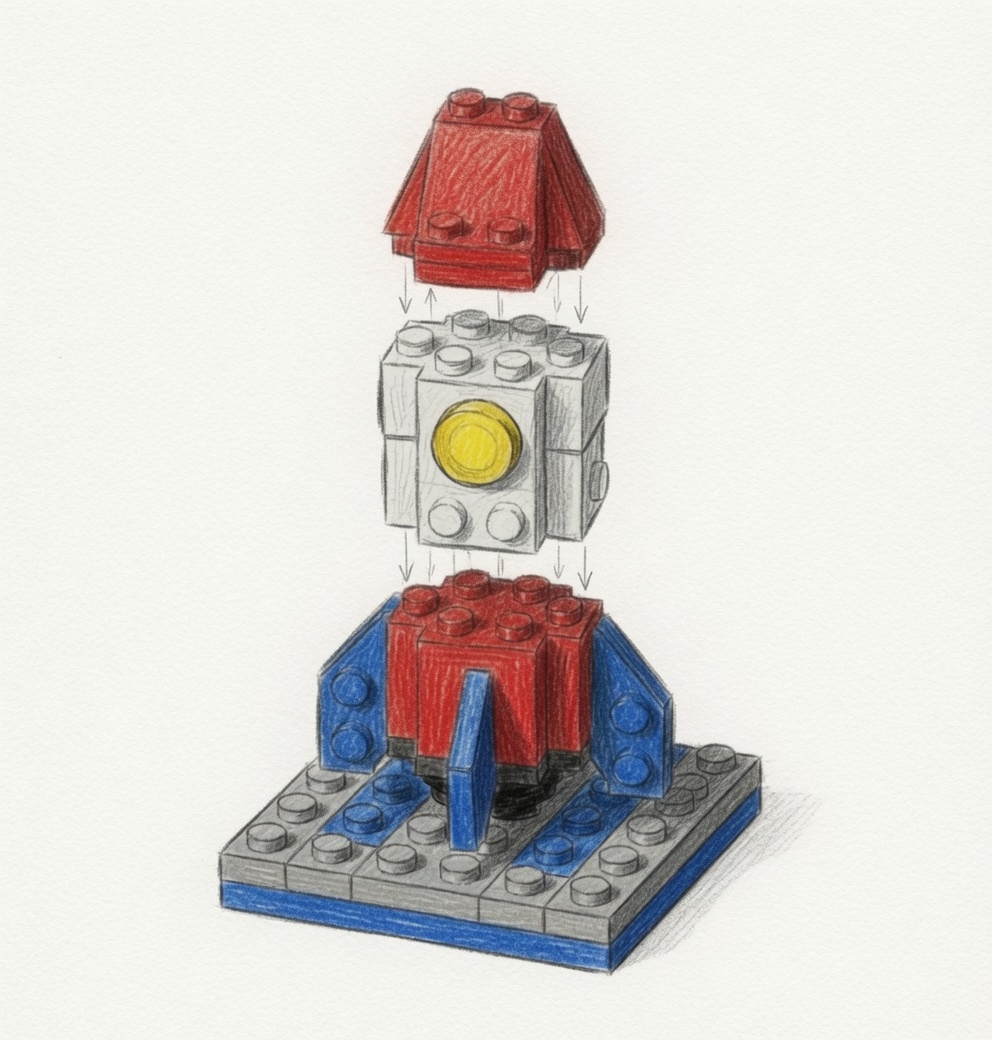
FIG. 3 · Core loop
Design Loop: Pocketizer Platform Station
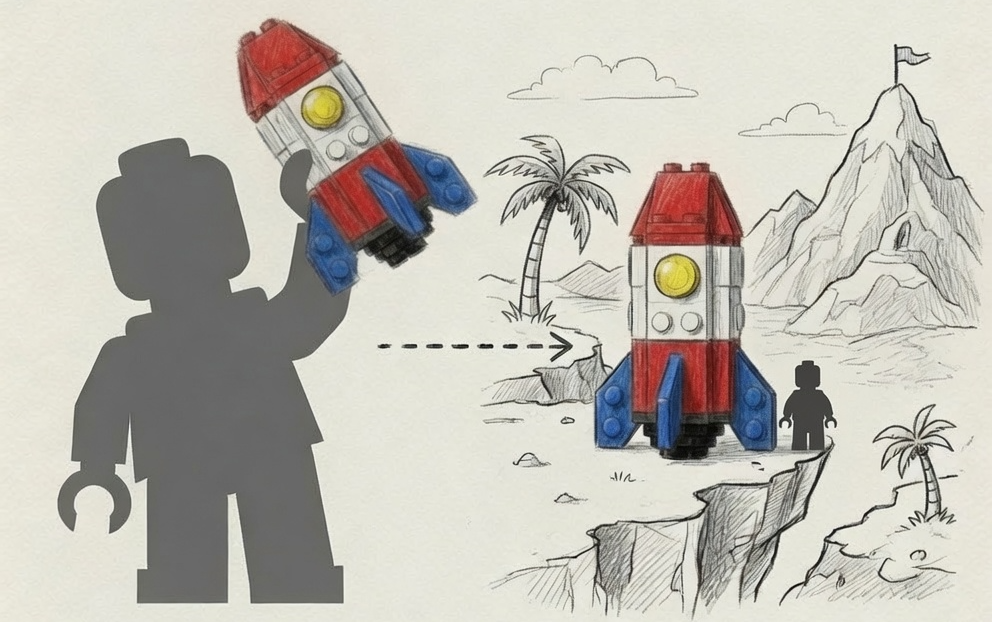
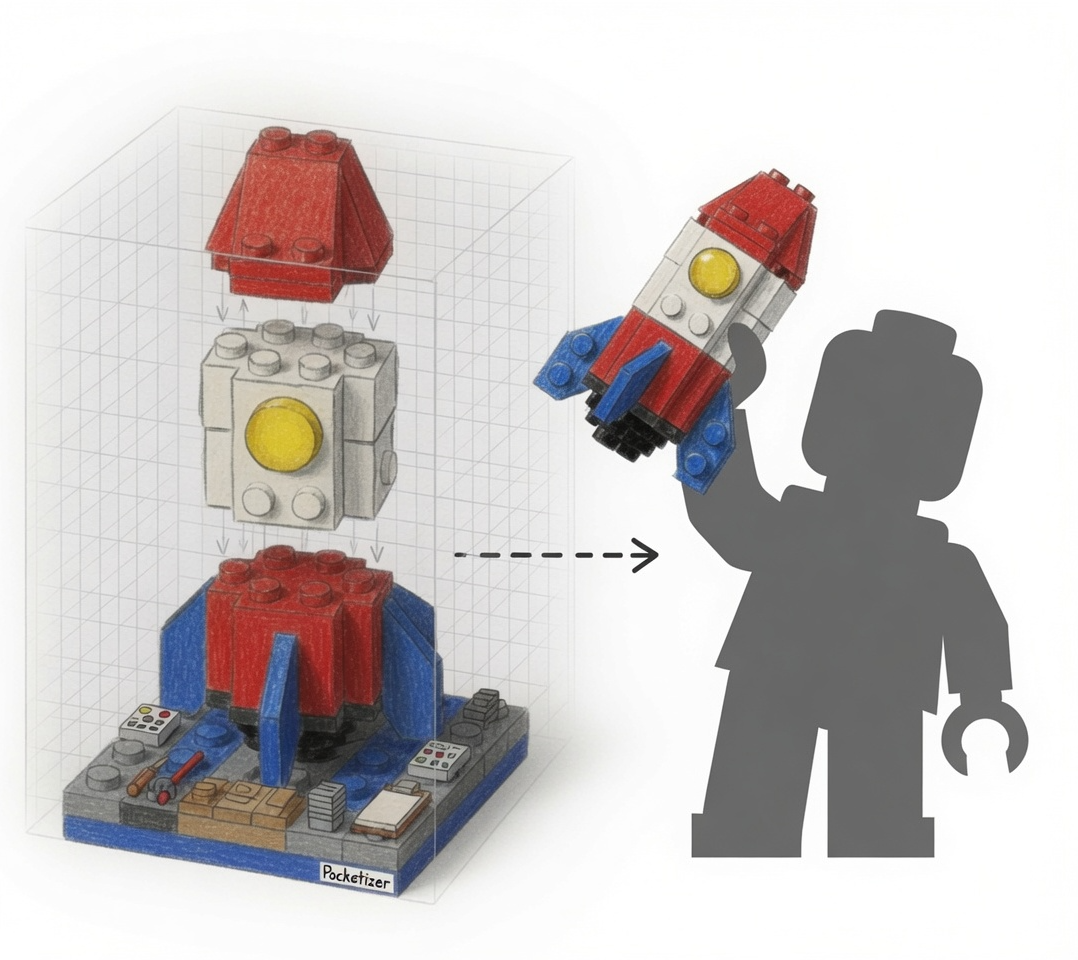
At a special crafting station, the player designs their item with the game's normal building system: same bricks, same snap guides, nothing new to learn. Saving the finished build shrinks it into a “Pocket MOC”, an inventory/skill bar item. The icon is a thumbnail of the build itself.
Deploy Loop: Moment-to-Moment Gameplay
Equip the Pocket MOC. In hand, the character holds a miniature of the actual creation. A holographic placement footprint appears. Find a valid spot, confirm, and watch the Pocket MOC reassemble at full size.
Bonus · Remix Loop
Insert an existing Pocket back into the station to load it for changes.
1. Mechanic Design · Design Goals
Constraint over Complexity
- Any six-year-old who understands the build system can use the Pocketizer Platform to make their own items.
- No new building grammar except for a modest size limitation.
- All constraints and functions are readable without text.
Seamless Deployment
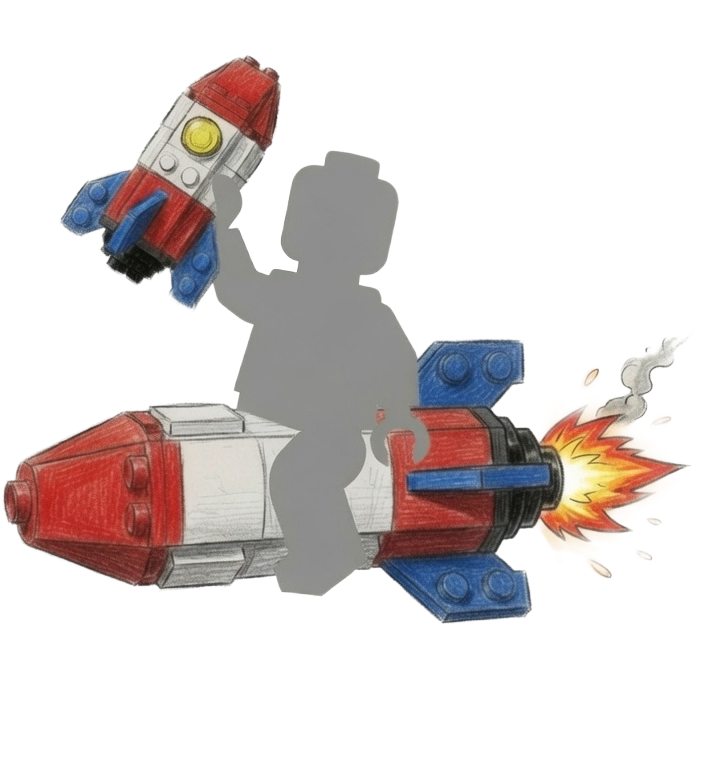
- Removes the friction of free-form building when a situation is already happening.
- Players are still invited to design and build carefully ahead of time.
- Use (and show off) toys and designs in gameplay without developing the tactile skills to manipulate build menus rapidly.
Intimate Sharing
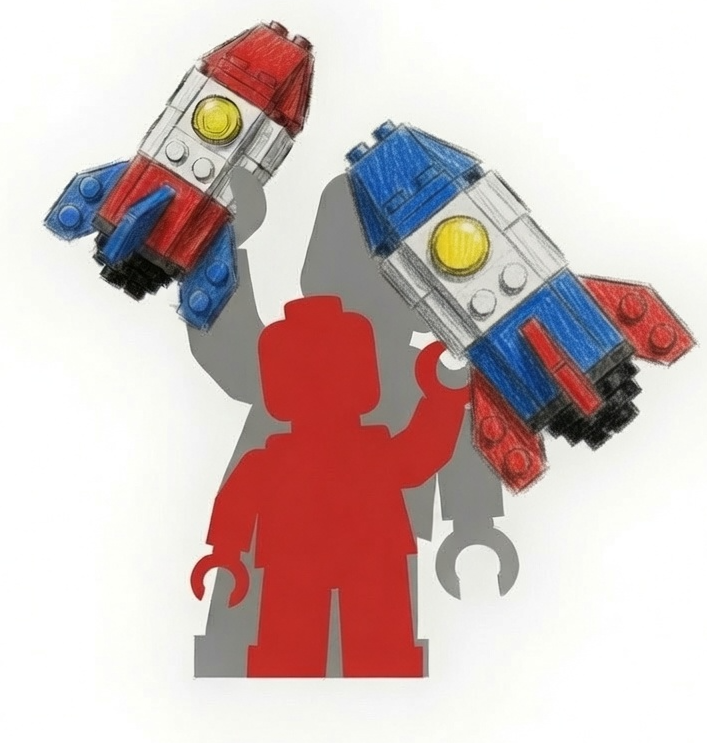
- Share by handing Pocket MOCs over or leaving them in a chest.
- Remix by loading a MOC back into the Pocketizer Platform.
- Invite-only worlds let sharing live inside real relationships. Parents can lend a hand, or maybe learn a thing or two.
1. Mechanic Design · Tuning Variables
2. Live Content Application · Player Experience
Event framing: on login

"I've got too many ideas and not nearly enough hands to finish them. Classic WIP disease, heh. I need real builder talent to demonstrate the potential of the Pocketizer Platform. Come finish something with me, take it into the field, and show me how it holds up!"
Week 6, DAUs flat.
A Mysterious Visitor Has a New Way to Build.
A cheerful tinkerer shows up in the player's village. He has the traditional ! bang of an NPC who has something to tell you.
Assumptions
- Flat DAU in week 6 likely means a stable core with no inflow; actives are settled into routine and lapsed players aren't looking back.
- Design's role in this situation is to create two hooks: a return-worthy gameplay experience and a daily return loop. The reactivation trigger that reaches lapsed players is outside our scope.
FIG. 4 · Reward pacing, one 20-minute session
The surprise, at about 17 minutes
The tinkerer pops in out of nowhere, delighted. He gifts the player one of his own finished Pocket MOCs, boxed and ready in the inventory. It is unadvertised, it is personal recognition delivered in-fiction, and it diegetically teaches Pocket MOC sharing in the same beat.
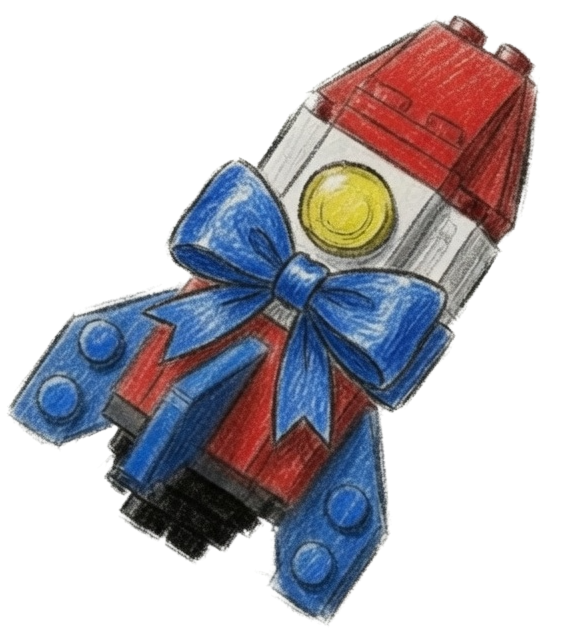
"Nice parts usage! That's further than I ever got!"
2. Live Content Application · Measure & Calendar
A soft launch dressed as a visit.
Shipping a new mechanic as a limited-time event is a classic Epic move; we'll use it to gather data and determine what should graduate to the game's core.
One success metric: reactivation quality
Among players lapsed 14+ days who log in during the event, the percentage who complete the full loop (finish a design and deploy it) within their first session.
Target: at least 2× the baseline rate at which lapsed returners engage with any new content system in a first session.
This isolates what design controls.
Event calendar · the tinkerer's half-finished designs
Each day of the event drops one of the tinkerer's unfinished builds at the station. Complexity steps up with each day. The player finishes today's WIP, field-tests it, and comes back for the next.
Static cover, teaches basics of Pocket MOCs with zero moving parts.
Vertical mover based on balloon or rocket dynamics.
Pressure plate activated hazard volume.
Emplacement with aimable cannon.
Wheels, body, and power core.
Soft Launch: Knowledge Generation Opportunities
3. Engineering Handoff · Activation & Ability Flow
Activation conditions
- Pocket MOC is equipped on the skill bar; the character renders the held miniature, generated from the serialized build.
- Player is not exhausted, stunned, or dead.
- Placement preview shows a valid, clear footprint within maximum range. If blocked or out of range the ability cannot start, and the player receives a clear error state.
- On confirmation, the channel begins.
Ability flow: what fires, in what order
Physics assumptions (Geometry Collection levels, world-supported, debris) are based on Michael Lentine, Chaos Physics in LEGO Fortnite, GDC 2024.
- Confirm placement. Design intent: a protected volume at the target (no other players enter; structure cannot take damage while assembling). Design assumes existing build-protection patterns already cover this.
- Channel starts. The player can move slowly. A visual link connects the player to the build site.
- Assembly over time using a Geometry Collection Level-0 (intact) representation. Piece count drives both channel duration and stamina cost. If stamina hits zero the ability still completes; the player enters the normal exhaustion state afterward.
- Interrupt cases (player leaves range, is stunned, or cancels). Already-progressed resolve into normal client-only debris via existing destruction rules (no material refunds or loot). Perfect accuracy on partial progress is not required.
- Successful completion. Spawn the serialized brick layout as a Geometry Collection at Level-0 (intact). Spawn kinematic long enough for the physics engine to resolve overlaps, then switch to dynamic, or mark world-supported (anchored / not simulating) when grounded. One charge is deducted.
FIG. 5 · Firing order & interrupt branch
3. Engineering Handoff · Data Model & Risk
Data model
- A Pocket MOC is a serialized snapshot of the exact brick layout and materials, with a charge count (target: 3).
- Remixing is implemented as loading. Inserting a Pocket MOC into a Pocketizer Platform deserializes it into the editable station volume; saving writes a new Pocket MOC.
- Depleted Pocket MOCs can be discarded, or replenished at a Pocketizer Platform by re-paying the material cost.
- If future brick-data updates invalidate a Pocket MOC, handle it the same way the game already handles world builds that become invalid.
Stretch · Provenance chain & naming
Ordered list of creator IDs, appended each time a Pocket MOC is remixed and re-saved, plus a player-facing name that can credit the chain. Example: “Rocket built by Dad. Remixed by Penny.” Nice for credit and social discovery; not required to ship the mechanic.
One pitfall: flagged to engineering
Mid-channel multiplayer consistency and authority.
While a Pocket MOC is assembling over time, we need a deterministic ownership and replication strategy so all clients stay in sync and interrupt/destruction behavior resolves identically on server and clients. Because pieces appear progressively and the channel can be interrupted, this is the highest-risk implementation detail in the feature. Break and damage authority should stay server-side; clients can show assembly VFX. On interrupt, only the server decides what happens to the assembling structure; the client must not independently resolve and then correct.
Design expectation: the assembling structure is fully protected and owned by the activating player until the channel succeeds or fails cleanly. If that guarantee is expensive, tell me early (I would rather cut channel length or interruptibility than ship a desyncing collision bug).
Engineering task worth scoping early
Thumbnail and held-miniature generation from arbitrary serialized builds: render-to-texture for the inventory icon, and a scaled LOD render for the in-hand model. Nothing else in the feature (besides the Pocketizer Platform and Tinkerer) depends on art authoring, so this seemed like a potentially new pipeline.